★★★★★
"Freed 12 GB in 10 minutes!"
I had no idea how many duplicate photos I had. CleanVault found over 6,000 similar shots and let me delete them all at once. My iPhone is like new again.
Sarah M.
iOS User
Free up GBs of storage in seconds. AI finds duplicate photos, hides private pictures in a secure vault, compresses videos — all on-device, no cloud uploads ever.
Explore CleanVault
Stop juggling five different apps. CleanVault handles storage, privacy, organization, and file tools — all in one place.
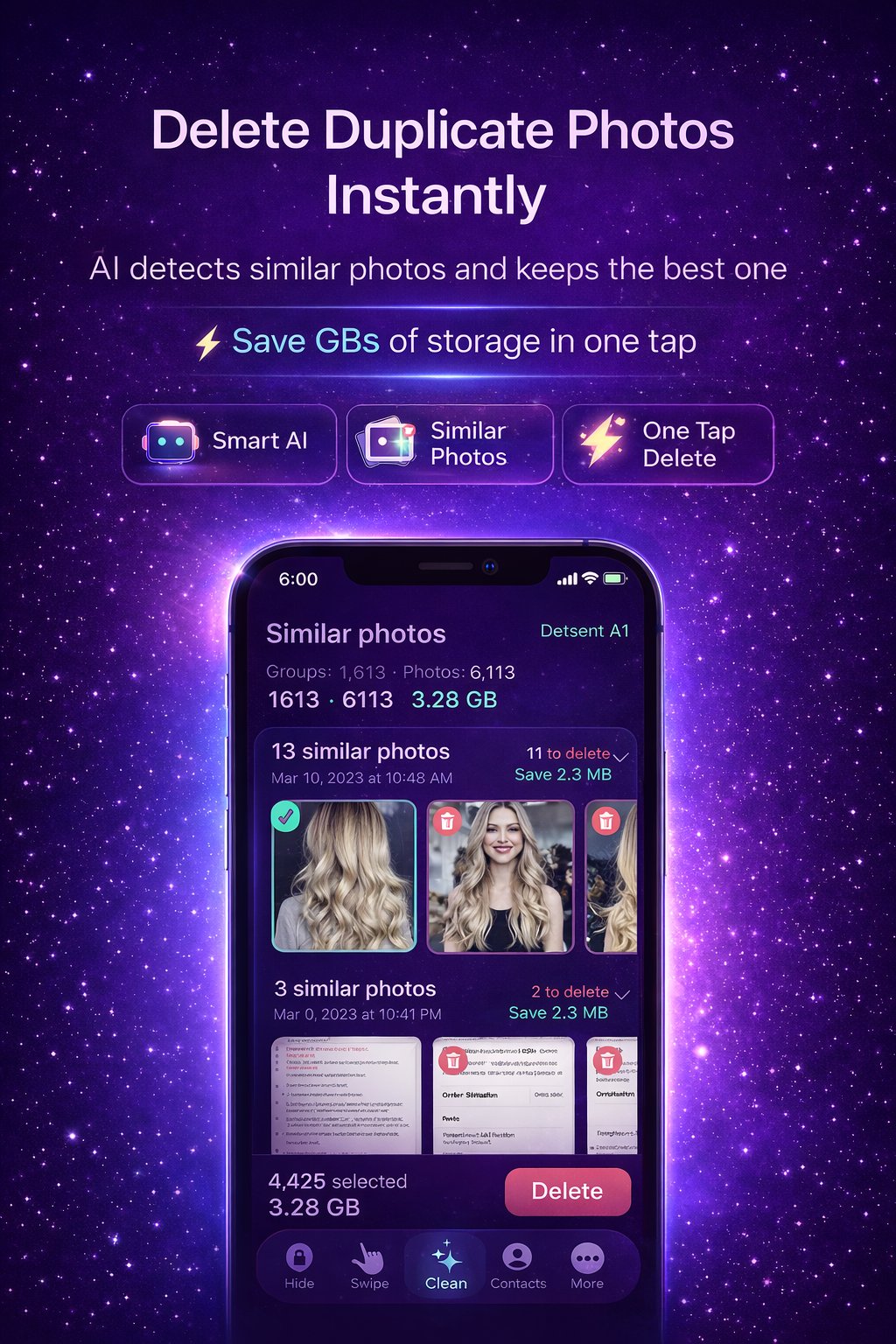
Our AI finds similar photos, not just exact copies — burst sequences, multiple retakes of the same scene, near-duplicates. It picks the sharpest shot and marks the rest for deletion.
Apple's Hidden Album is not private — anyone who knows where to look can see it. CleanVault's Secret Space is a fully encrypted vault with Face ID and passcode protection, completely invisible to the Photos app.
Review your entire photo library with a single swipe gesture. Swipe right to keep, left to delete. Clean thousands of photos in minutes — it's fast, intuitive, and genuinely satisfying.
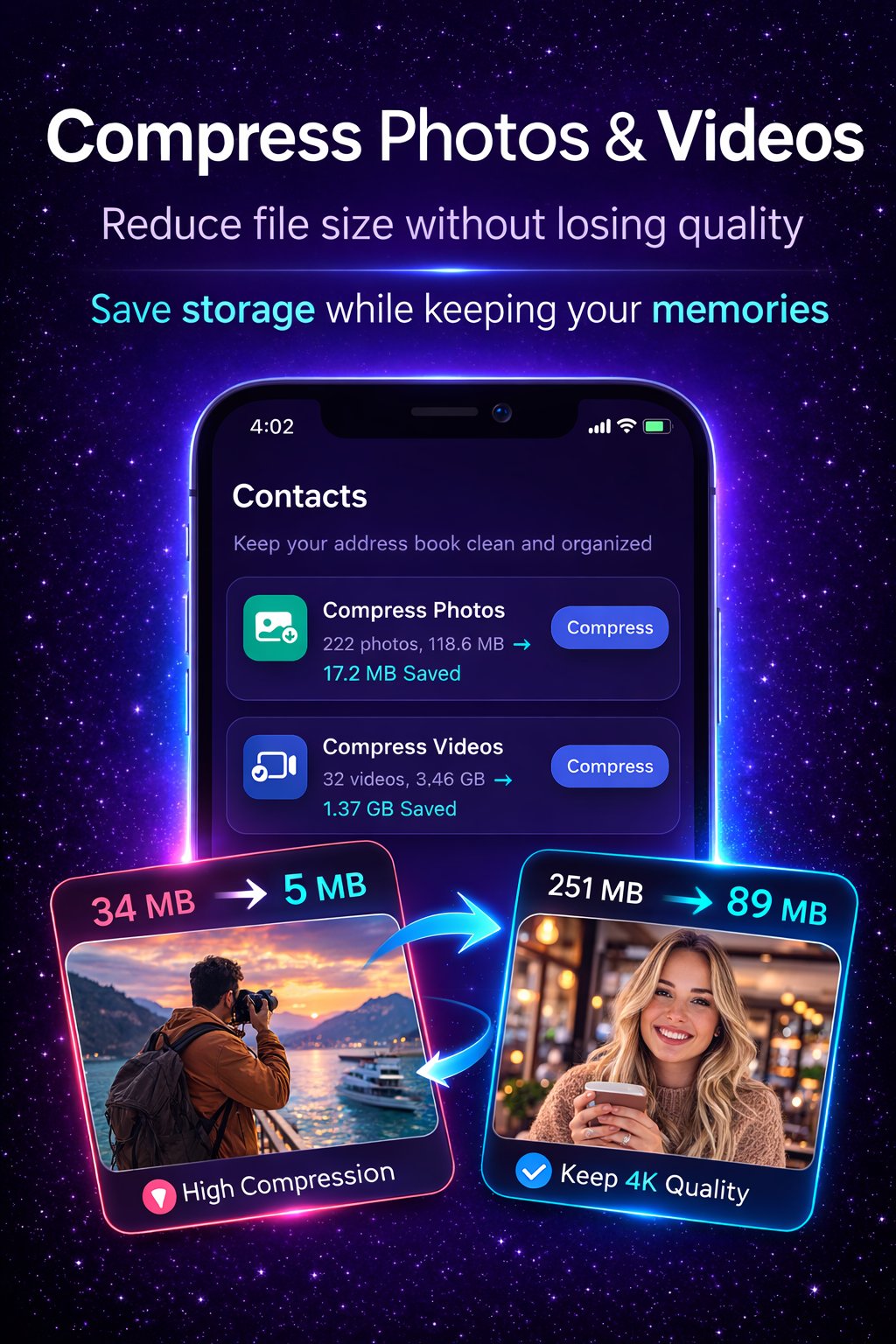
Reduce file sizes up to 85% without visible quality loss. Keep 4K quality or maximize compression.
Learn more →Remove duplicate contacts, fix incomplete entries, and clean your address book in one tap.
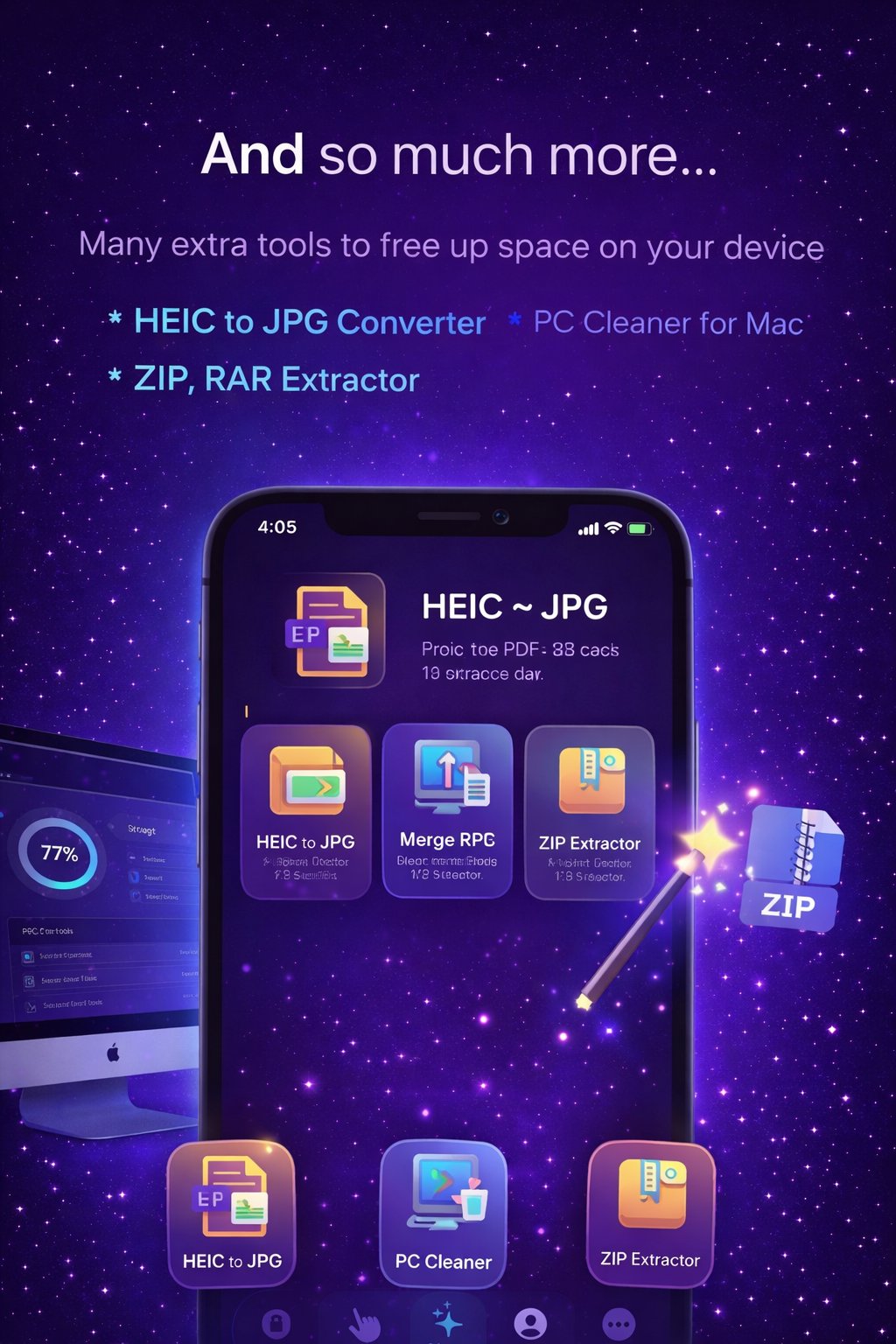
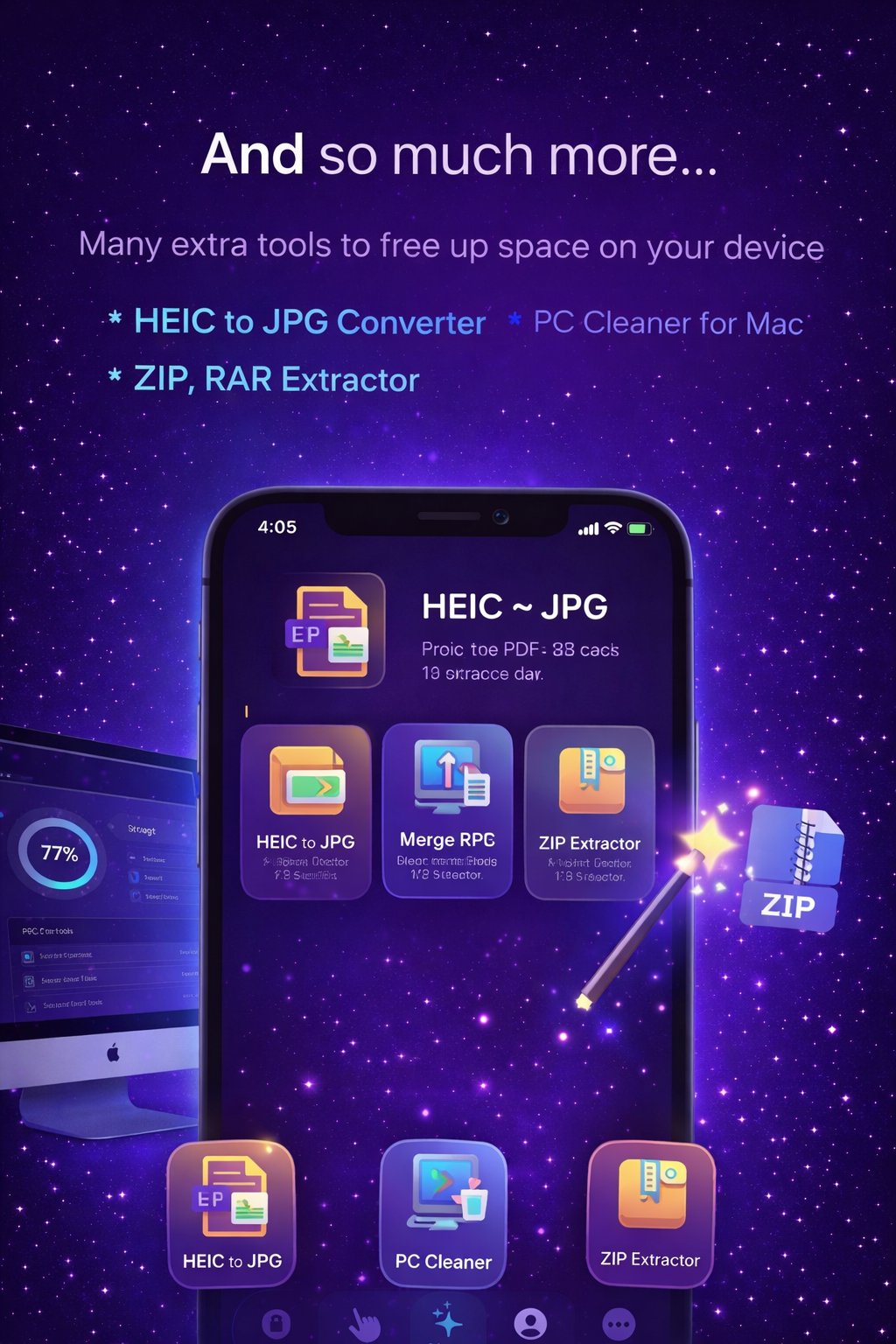
Learn more →Convert iPhone HEIC photos to universal JPG format for sharing across any platform.
Learn more →Extract ZIP and RAR archives directly on your iPhone without any additional apps.
Merge, split, and manage PDF files. Convert documents to PDF with ease.
Find and clean burst photo sequences — keep only the best shot from each action sequence.
Learn more →Swipe or drag to explore every screen of the app.
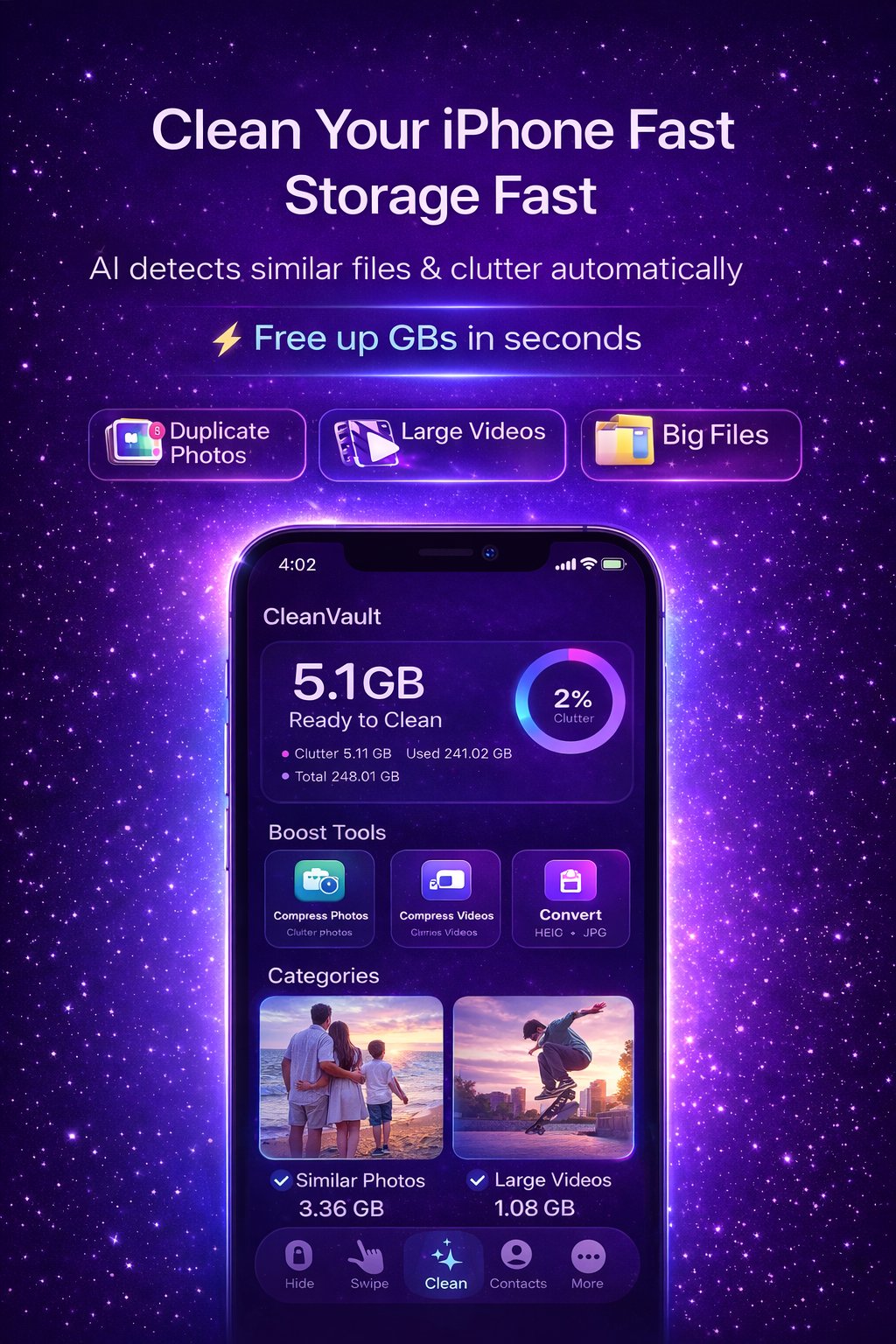
Storage dashboard showing 5.1 GB ready to clean
HEIC to JPG converter and extra tools
AI duplicate photo detection — delete similar photos instantly
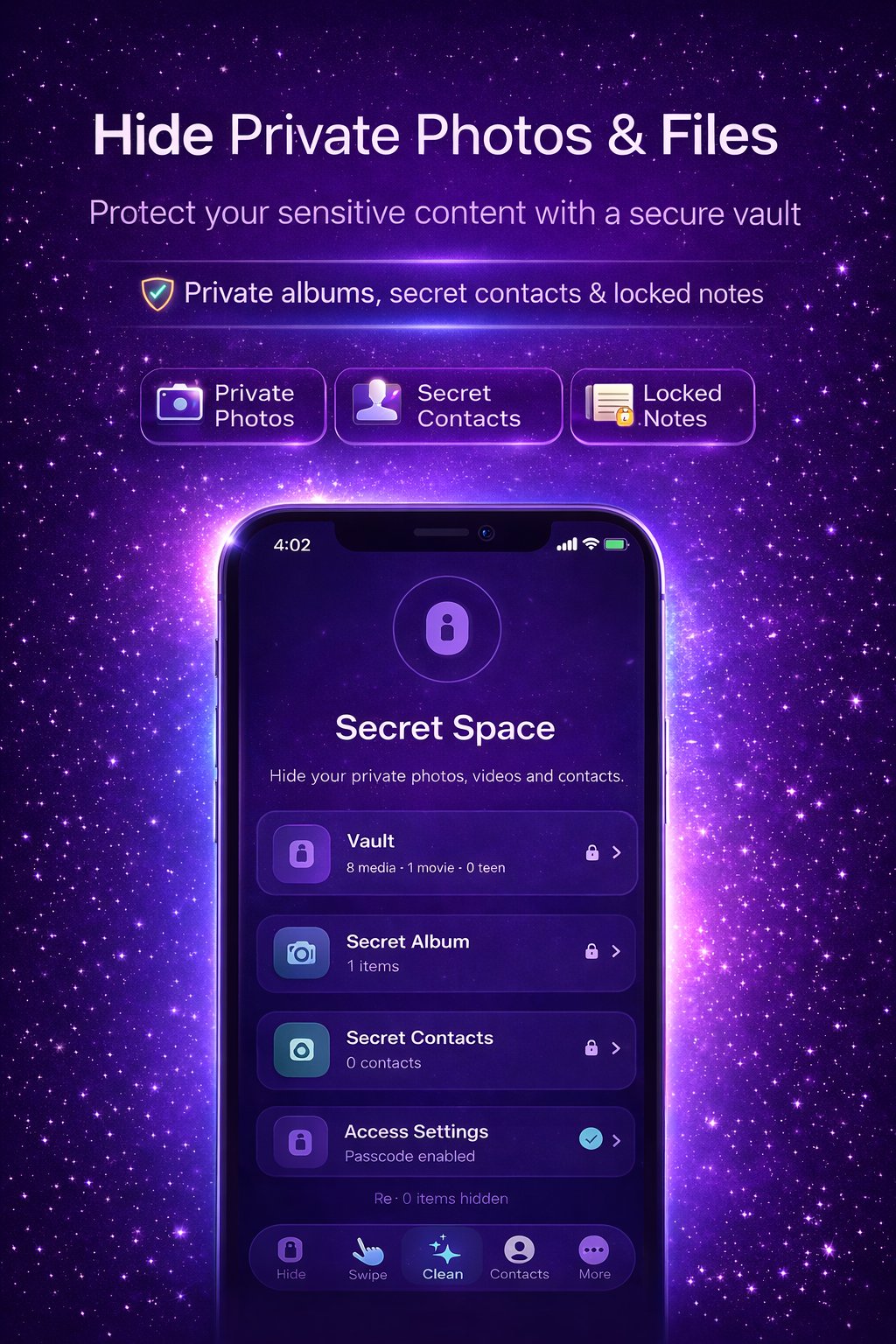
Private photo vault with Face ID protection
Contact cleaner — remove duplicate contacts
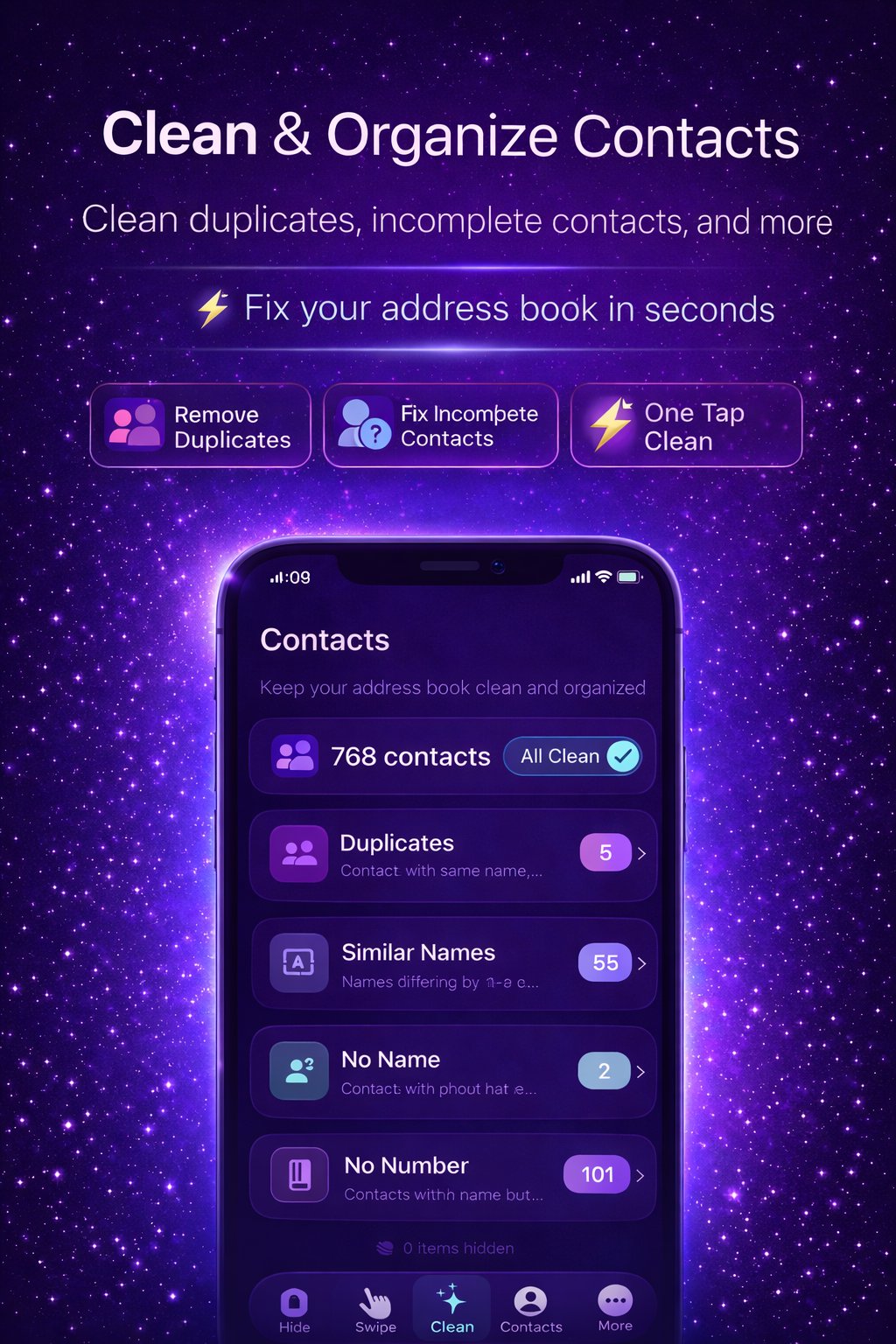
Photo and video compression — save up to 85% space
Swipe to keep or delete photos
Download CleanVault free. Tap "Scan" — our AI immediately analyzes your photo library, contacts, and storage usage.
See exactly what's taking up space. Duplicates, large videos, clutter — organized by category with exact size savings shown.
Tap to delete duplicates, compress photos, clean contacts, or hide private files. Watch your storage increase in real time.
Most cleaner apps do one thing. CleanVault does everything — duplicates, compression, vault, contacts, file tools — in one app that actually respects your privacy.
| Feature | CleanVault | Others |
|---|---|---|
| AI Similar Photo Detection | ✓ | ✗ |
| Private Photo Vault | ✓ | ✗ |
| Contact Cleaner | ✓ | ✗ |
| Video Compression | ✓ | ✗ |
| HEIC to JPG | ✓ | ✗ |
| PDF Tools | ✓ | ✗ |
| 100% On-Device Processing | ✓ | ✗ |
| Free Core Features | ✓ | ✗ |
I had no idea how many duplicate photos I had. CleanVault found over 6,000 similar shots and let me delete them all at once. My iPhone is like new again.
The secret space feature is exactly what I needed. My private photos are actually hidden now, not in Apple's "hidden album" that anyone can find.
The swipe feature is so satisfying. I cleared 3 years of junk in one evening. Contact cleaner found 40+ duplicates too. Two problems, one app.
I've tried 5 other cleaners. None come close to CleanVault's AI for finding similar (not just identical) photos. Recovered 8 GB on the first scan.
I compress all my old videos instead of deleting them. They look the same but take up half the space. Brilliant.
Downloaded skeptically but found 4.2 GB of duplicates instantly. The interface is clean, nothing feels overwhelming. Exactly what I needed.
Yes, CleanVault is completely free to download from the App Store. Core features — duplicate photo detection, swipe clean, and contact cleaner — are available for free. Optional premium features are available via in-app purchase for power users.
Absolutely not. All photo analysis, duplicate detection, and processing is done entirely on your device using on-device machine learning. Your photos never leave your iPhone and are never sent to any server, period.
Yes. CleanVault always shows you exactly which photos will be deleted before anything is removed. You review each group of duplicates and confirm the deletion. Deleted photos also go to your Recently Deleted album first, giving you a 30-day safety net.
Results vary by library size. Most users recover 3–8 GB from duplicate photos alone. With video cleanup and compression combined, 8–15 GB is common. Users with large libraries have recovered 20+ GB. See our full storage guide for tips.
CleanVault's Secret Space is a Face ID and passcode protected vault completely separate from your Photos app. Photos, videos, notes, and contacts stored in the vault are completely invisible to iOS apps. Learn more about hiding private photos.
Yes. The contact cleaner scans your address book and finds exact duplicates, similar-named contacts, contacts with no phone number, and contacts with no name. See our contact cleaning guide.
Yes. CleanVault works with your photo library whether you use iCloud Photos or store locally. If you use iCloud Photos, deletions sync to iCloud after confirmation.
iPhones save photos in HEIC format — very efficient but not universally compatible. CleanVault converts HEIC photos to JPG so you can share them anywhere. Read our full HEIC to JPG guide.
Cleaner Guru charges up to $19.99/week. Here's why CleanVault is the smarter, more affordable alternative that gives you more features for less.
Gemini Photos is popular, but it has one major limitation: it only cleans photos. CleanVault is the complete alternative that covers your entire iPhone storage problem.
Thousands of unsorted photos makes finding the right memory impossible. Here's how to organize your iPhone photo library systematically — and keep it that way.
Your iPhone shows "128GB used" but you're not sure where it all went. Here's exactly what each storage category means and which ones you can actually clear.
If you rely on Apple's Hidden Album to protect sensitive photos, you're not as protected as you think. Here's how to achieve real privacy for your photos in 2026.
There's a lot of skepticism (and hype) around phone cleaner apps. Here's an honest, technical breakdown of what they actually do and when they're genuinely useful.
Join thousands of iPhone users who've reclaimed their storage, protected their privacy, and organized their digital lives with CleanVault — for free.
Download Free on App StoreFree download · iOS 15.0+ · iPhone & iPad